Eight Hours at Your Computer Isn't Eight Hours of Active Screen Work


Your laptop has been on for eight hours. Does that mean you spent eight hours actively working at the screen?
Not necessarily. A number that describes elapsed time can hide very different workdays.
Two people. The same eight hours. Different days.
On one day, you write for an hour, step away for a meeting, take lunch, return to your computer, and spend part of the afternoon on a phone call away from the screen.
On another, you stay in front of the display, alternate between documents and messages, eat lunch while watching a video, and continue browsing during what was supposed to be a break.
The computer might have been on for about eight hours in both cases. But the periods of active engagement, visual exposure, and time away from the display were different.
That distinction is useful, but these three things should not be treated as interchangeable. Having a display on, being present in front of it, and performing demanding cognitive work are not the same measure.
Switching tabs isn't the same as stepping away
When you leave a spreadsheet to answer a message, your task changes. You may even feel a brief sense of relief.
But you have not necessarily stopped looking at the screen or given your attention a chance to disengage. Watching a video at the same desk may be relaxing in one sense while still involving screen viewing.
A genuine off-screen break looks different: you leave the display, move around, or focus at a distance.
This does not imply that every minute at a screen is equally demanding. It means that task changes and periods away from the display answer different questions.
What Active Screen Time can tell you
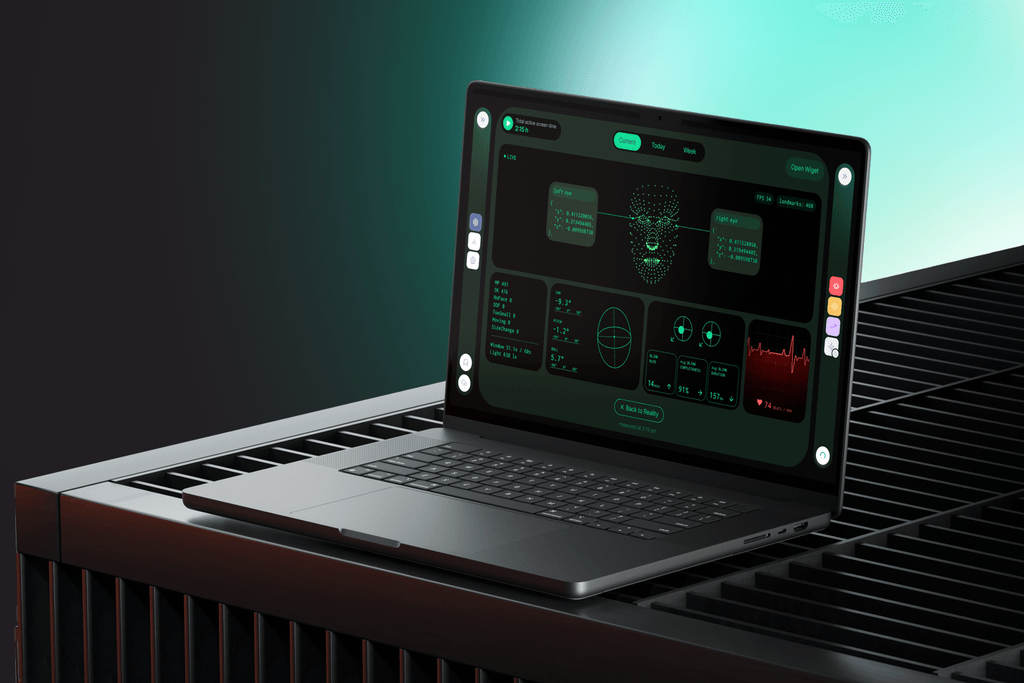
Advancify's Active Screen Time uses two signals: whether your face is present in front of the camera and whether your gaze is directed toward the screen. It therefore describes screen engagement rather than simply counting the hours a computer is powered on, or the hours someone considers to be work.
That makes it useful context for other indicators, but it is not a direct measure of productivity, mental effort, or the physiological “cost” of each minute.
Two fifty-minute sessions can differ dramatically. One involves familiar administrative work. The other involves sustained analysis and difficult decisions.
That is why Active Screen Time is most informative alongside changes in Cognitive Load, Mental Energy, and Visual Comfort. Together, these indicators can support questions such as: How long have I been actively engaged? How demanding has the work appeared? When did my state begin to change? Did I take meaningful time away from the screen?
When you step away from the computer, look away from the screen, turn off the camera, or pause Advancify, the Active Screen Time counter pauses. When the camera is off or the app is paused, this means that measurement has stopped, not that the app has verified you are resting. And looking at the screen does not tell the app whether you are doing complex analysis or watching a video. Active Screen Time should not be mistaken for a flawless record of productive work.
Look at the shape of the day, not just its total
If you finish a day feeling depleted, “eight hours” may be the least interesting fact about it.
Were those hours separated by time away from the display? Were the most demanding tasks concentrated together? Did you move between lighter and heavier work, or spend the day in one long stretch of screen engagement?
You do not need to minimize screen time at any cost. For many people, a computer is essential to their work. The more useful goal is to see how screen engagement is distributed and how your working state changes along the way.
The total tells you how much time passed. The pattern helps you understand what that time contained.