
Digital fatigue awareness
Digital overload often builds quietly, without clear signals.
Advancify notices shifts in visual interaction patterns, helping you pause or adjust before things feel overwhelming.
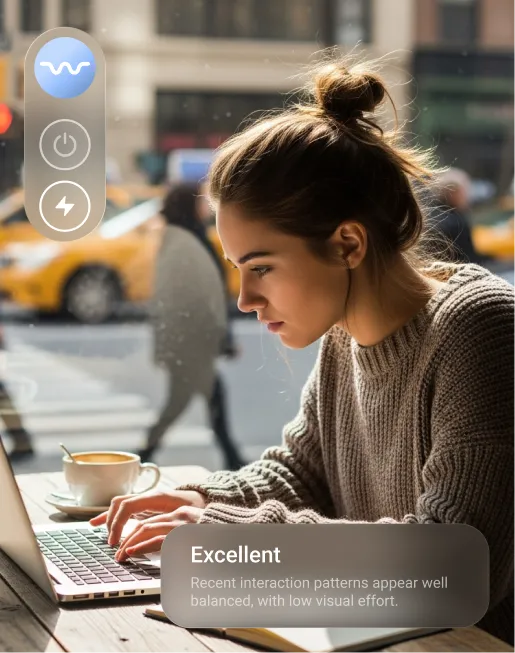
Enhance your workflow with intelligent visual
feedback
Advancify measures blink patterns and gaze
direction
through your computer's camera to
understand how you
engage with your screen
in real time.
Digital overload often builds quietly, without clear signals.
Advancify notices shifts in visual interaction patterns, helping you pause or adjust before things feel overwhelming.
Advancify uses eye-tracking signals and
adaptive
models to deliver gentle,
personalized notifications that bring
awareness to changes as they occur.
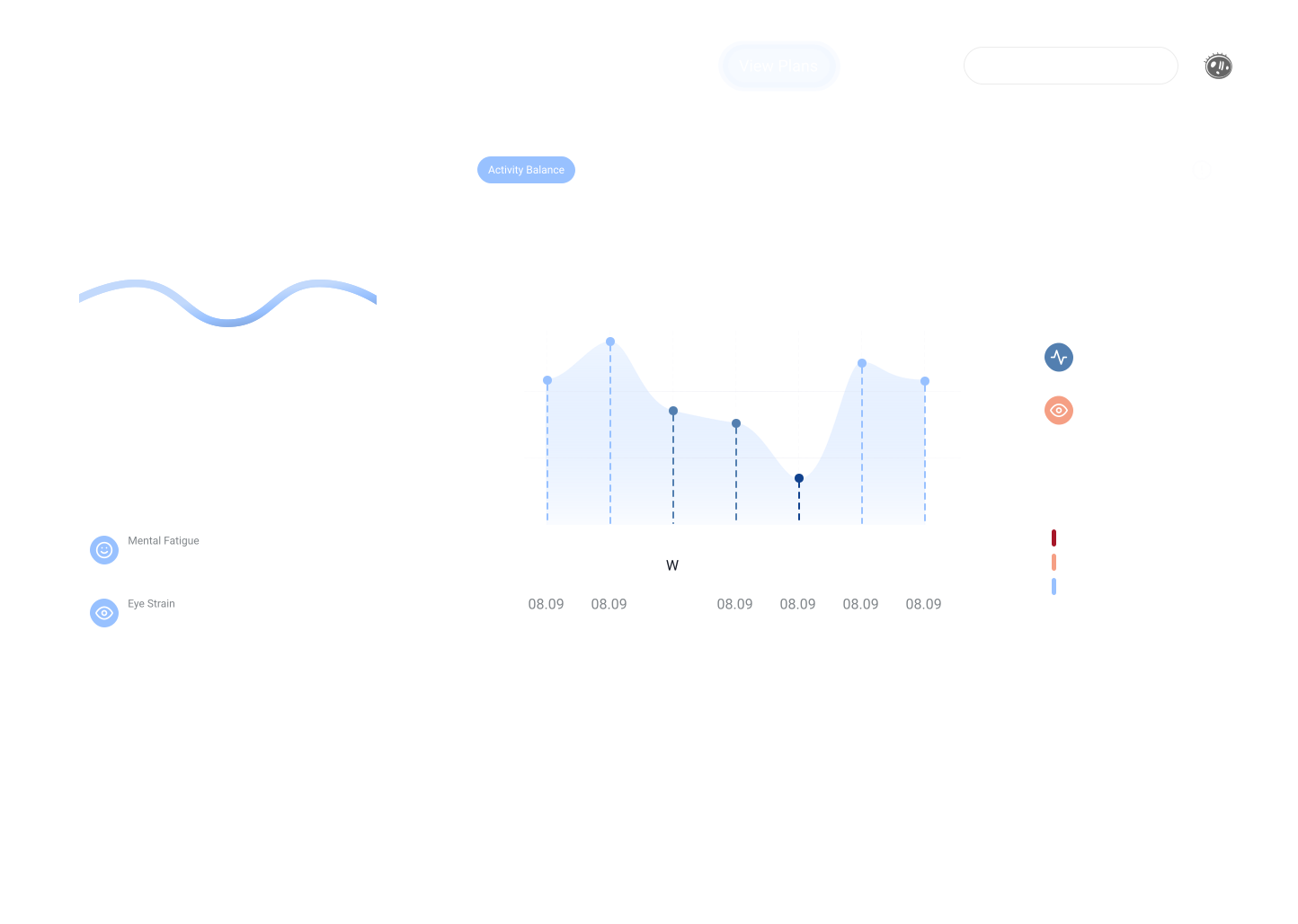
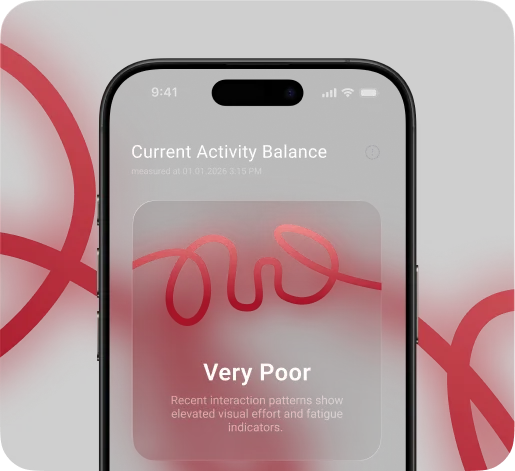
Notice changes in visual interaction patterns that may signal rising effort over time.
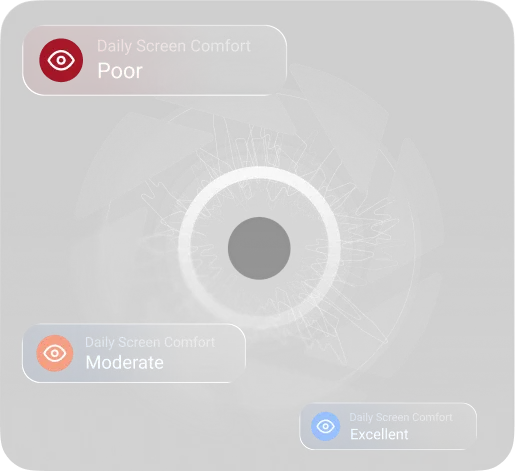
Understand how visual interaction patterns shift during extended screen use.
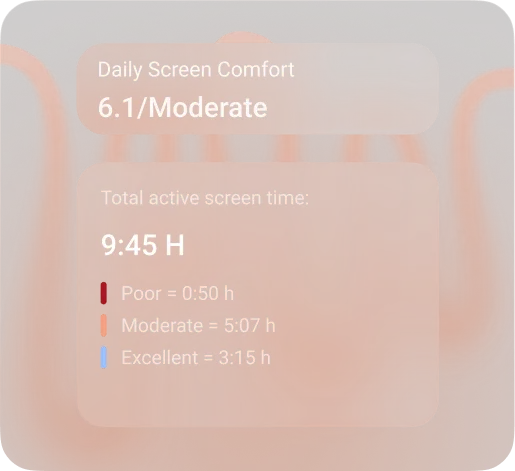
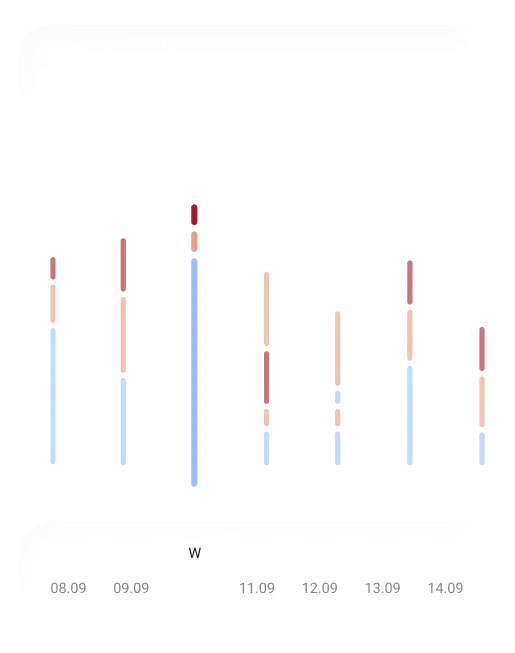
See how screen interaction and rest alternate across your day.
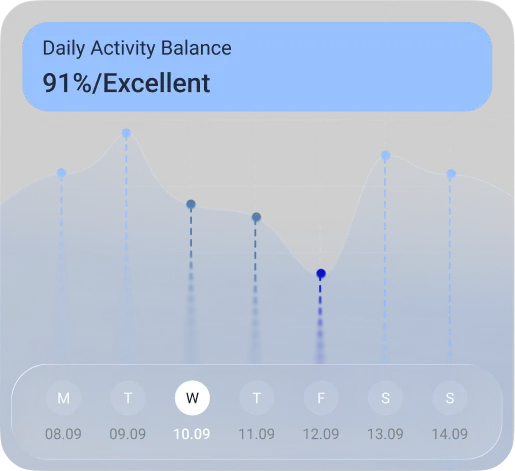
Advancify learns your interaction patterns and tailors insights over time.
AI alerts surface meaningful changes at the right moments.
Start free today. Try all features for 7 days. No commitment.
 Get Mac Download Link* Download for MacOS (Apple Silicon)* *M1, M2, M3 and newer
 7 days free access to core features
Try Advancify risk-free and experience real-time biofeedback insights before committing.
$0
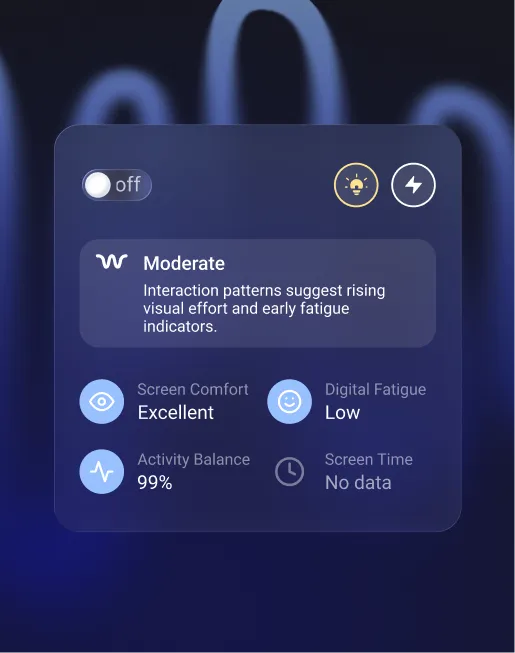
 Digital fatigue indicators
  Screen comfort indicators
  Activity balance signals
  Screen interaction metrics
  Adaptive notifications
 What does Advancify do?

Advancify helps adults understand how they interact with their computer during work and learning, and provides timely notifications when a short break may help sustain performance.
It analyzes visual interaction patterns to generate non-medical performance indicators such as focus stability, screen comfort, activity balance, digital fatigue, and readiness trends.
By detecting sustained visual load and changes in interaction dynamics, Advancify notifies you when a voluntary pause may help maintain efficiency and reduce prolonged overload.
The goal is to support consistent concentration, balanced digital habits, and long-term performance stability.
How does Advancify work?
Advancify uses your device's camera to analyze eye movement and gaze dynamics during active computer use.
All processing happens locally on your device.
The system converts these signals into real-time insights that help you notice:
No video is recorded or stored.
Does Advancify record or store webcam video?
No.
Advancify does not record, store, or transmit webcam video.
All visual signals are processed in real time, locally, and converted only into derived, non-medical performance metrics.
Is my data private and secure?
Yes. Advancify is built with a privacy-first, local-processing architecture.
You stay in control:
Do I need a webcam and can I turn tracking off?
Yes, a webcam is required. Advancify's core functionality depends on visual interaction analysis.
Without camera access, performance metrics cannot be generated.
You can turn tracking off at any time:
Tracking resumes only when you manually re-enable it.
Is there a free trial and can I cancel anytime?
Yes, a 7-day free trial with full access. After the trial you can choose monthly or quarterly billing.
Subscriptions renew automatically unless cancelled, and you can cancel anytime in-app; access stays active until the end of the current billing period.
Subscribe to our newsletter or follow us
on social
media.
 Follow us
